The right view for each data model
Relational records appear in tables, MongoDB combines document lists with JSON, and Redis uses a dedicated Key Browser. Different products are not forced into one shape.
Multi DB Manager is a development-oriented web UI for browsing and investigating MySQL, PostgreSQL, SQLite, MongoDB, and Redis with a consistent workflow.
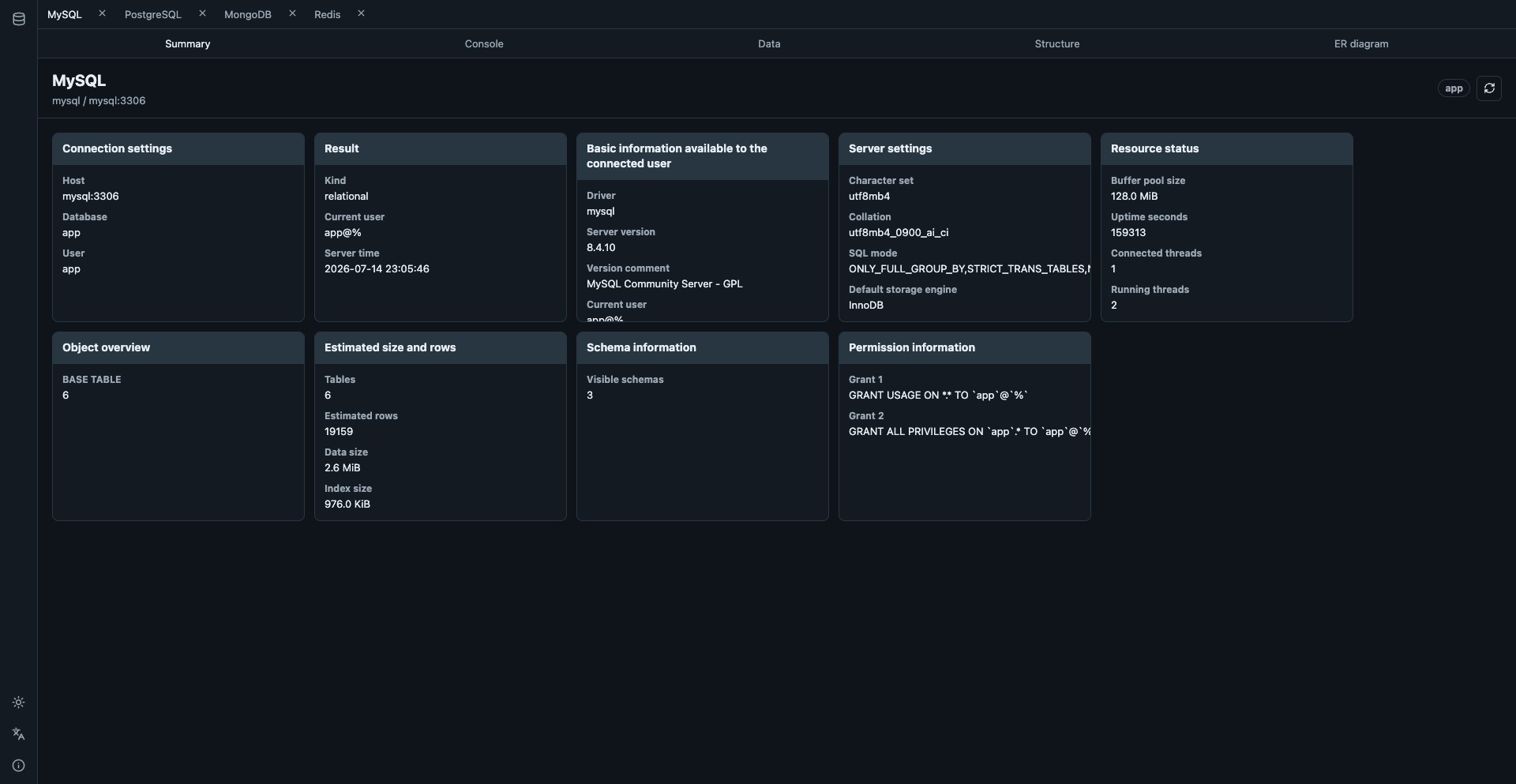
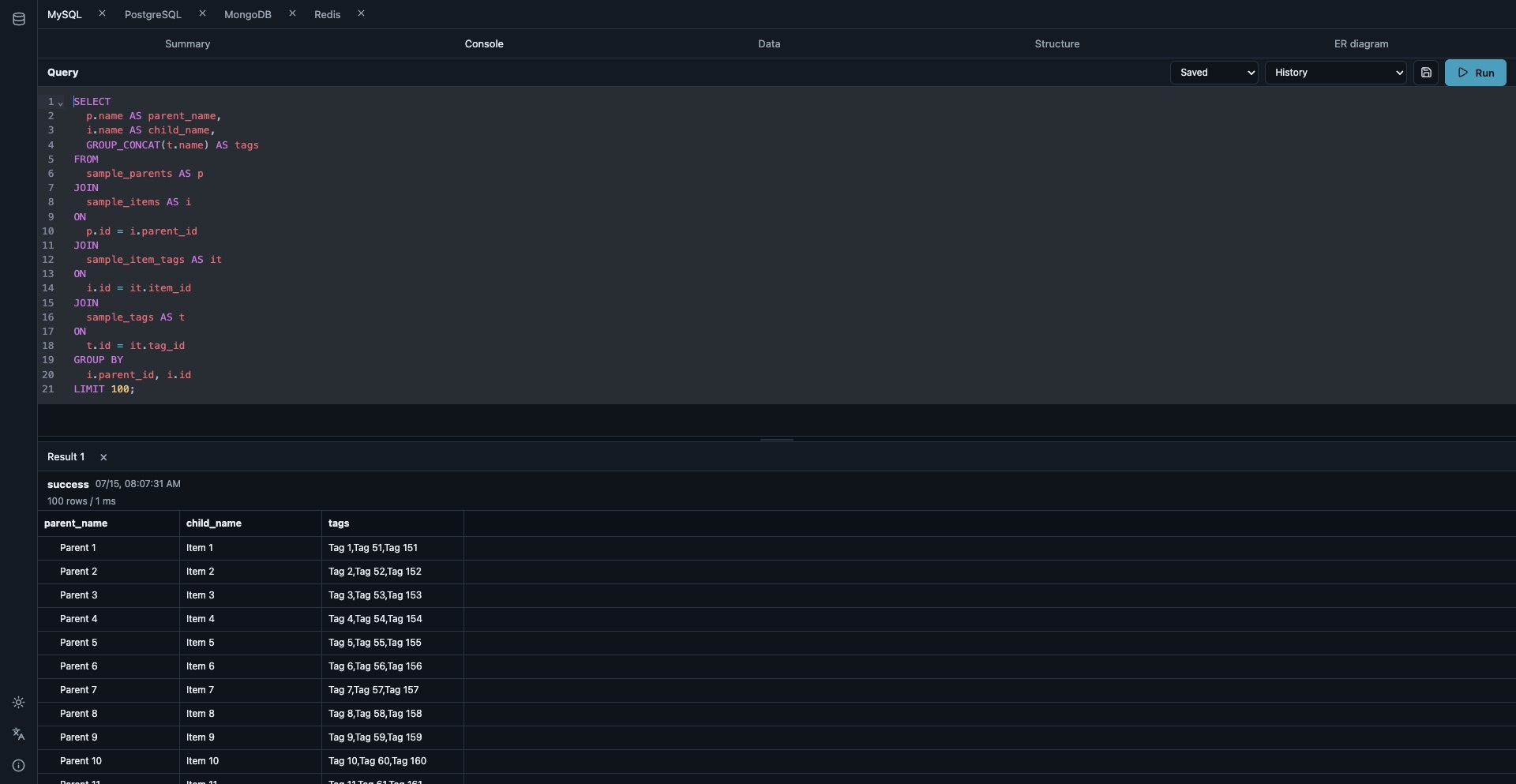
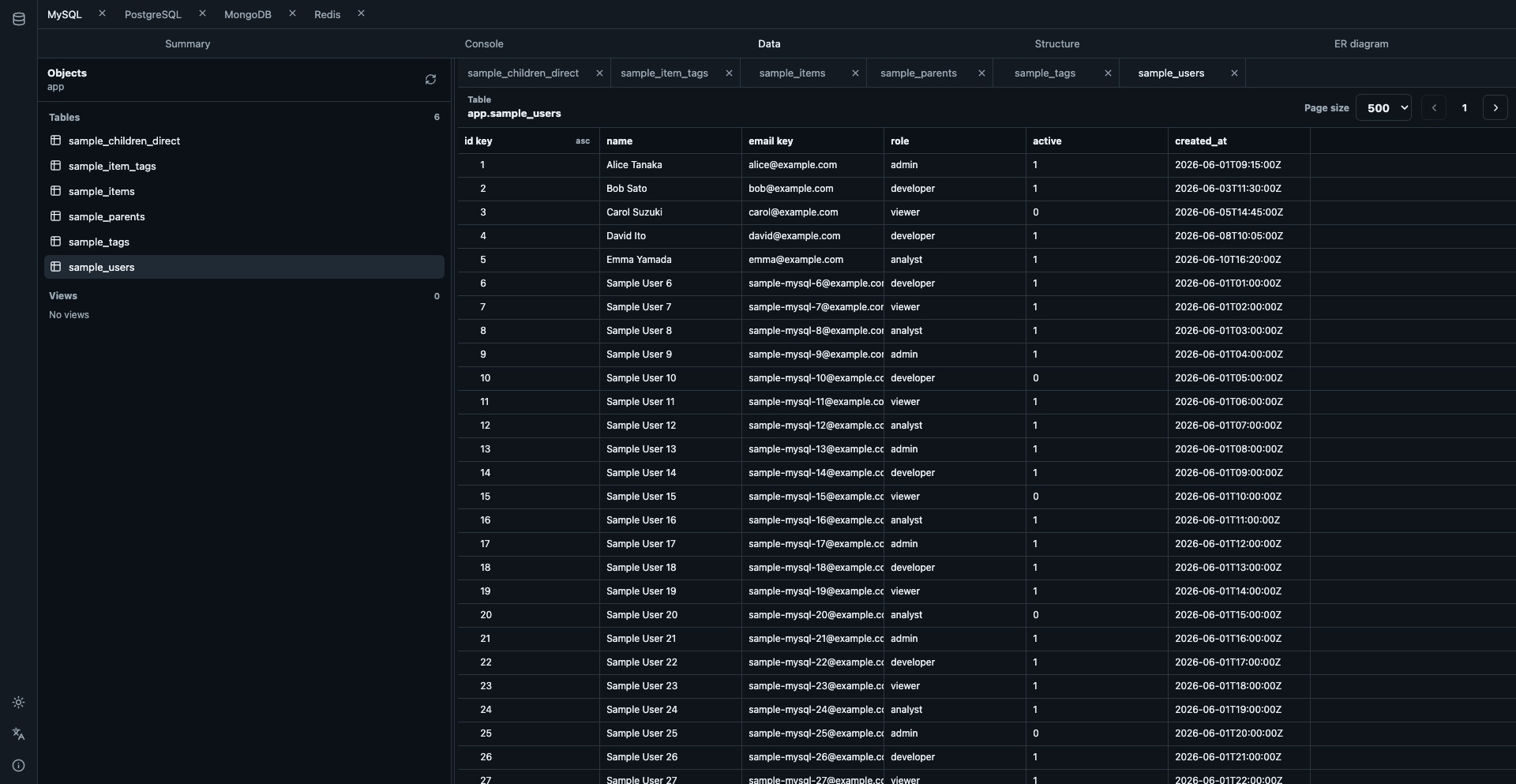
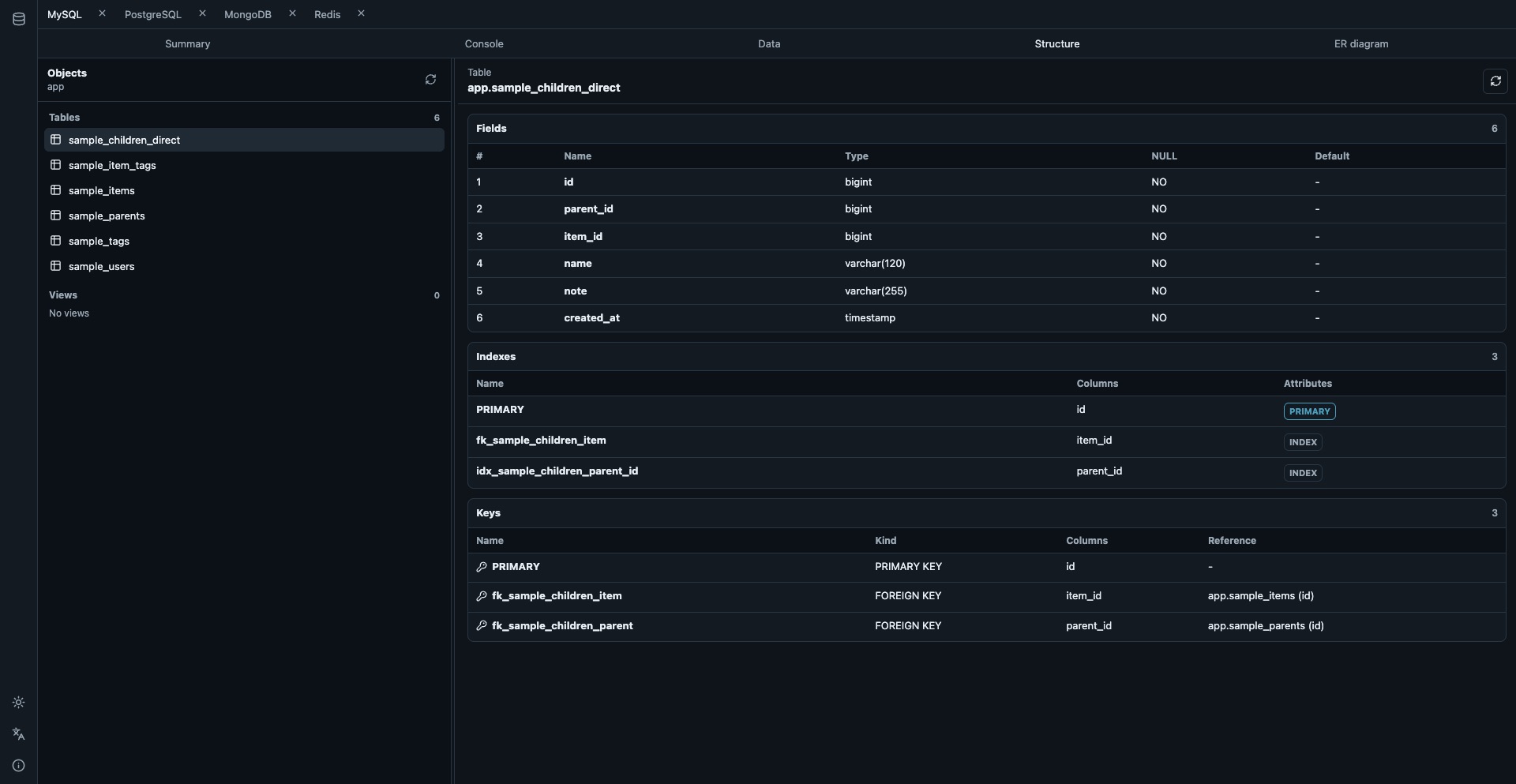
Keep each data model's strengths while bringing everyday tasks—selecting a connection, finding an object, and inspecting its data or structure—into one workspace.
Relational records appear in tables, MongoDB combines document lists with JSON, and Redis uses a dedicated Key Browser. Different products are not forced into one shape.
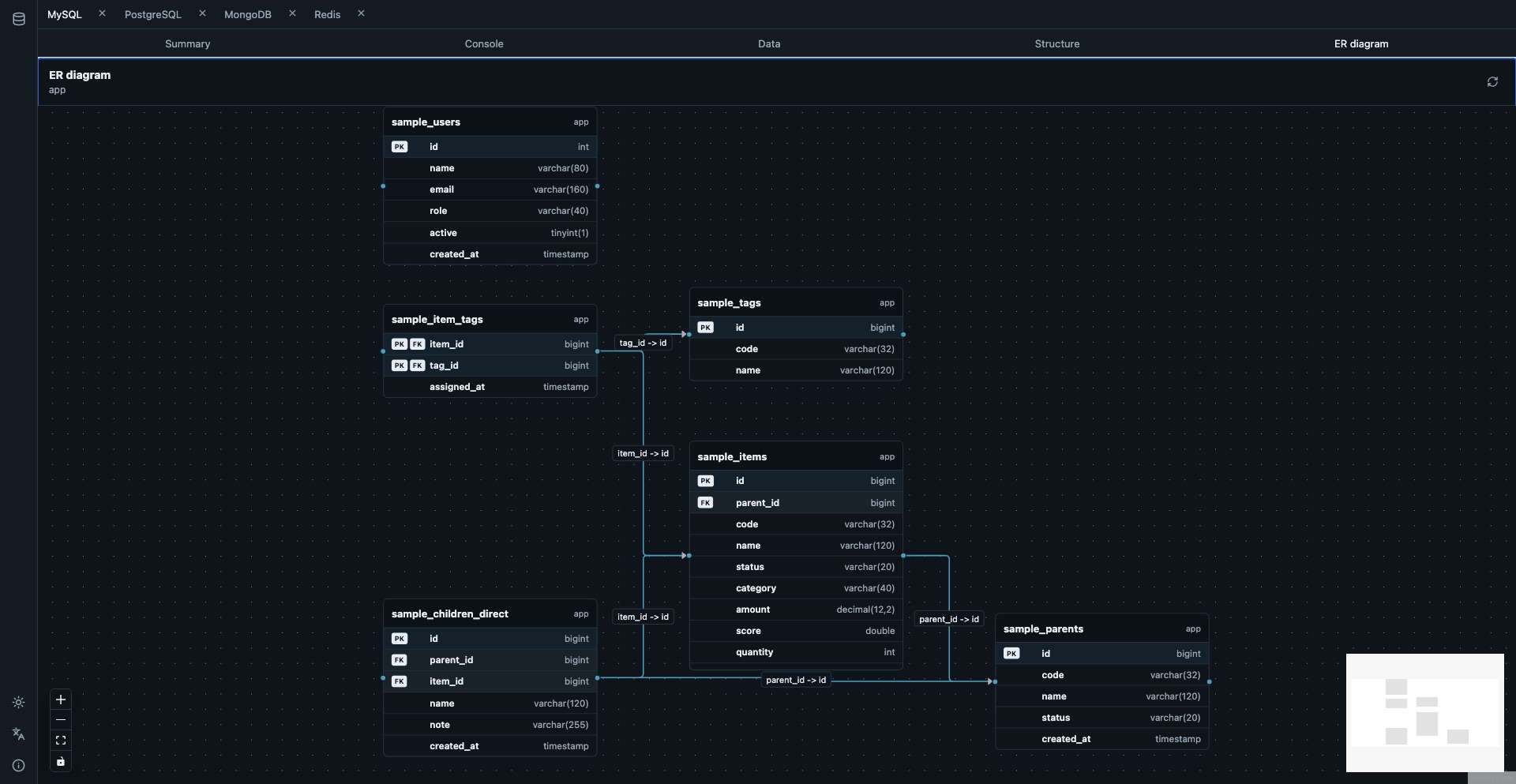
Generate zoomable, pannable ER diagrams from foreign keys in MySQL, PostgreSQL, and SQLite.
Run SQL or MongoDB JSON commands and save frequently used investigation queries by name.
Redis search uses SCAN instead of KEYS, with type, TTL, memory usage, and value details.
Move between server details, objects, columns, indexes, keys, and stored data using a focused tab-based workspace.
Shared navigation is paired with capabilities tailored to the information available from each database.
| Database | Objects | Structure | Data | Console | ER diagram |
|---|---|---|---|---|---|
| MySQL | Tables, views | Yes | Tabular | SQL | Yes |
| PostgreSQL | Tables, views | Yes | Tabular | SQL | Yes |
| SQLite | Tables, views | Yes | Tabular | SQL | Yes |
| MongoDB | Collections | Sample inference | Documents | JSON | — |
| Redis | Key Browser | — | Key details | — | — |
The SvelteKit frontend is embedded into the Go binary, keeping distribution to a single application container. Mount a data directory to persist connection settings and saved queries.
docker run --rm -p 8080:8080 \
  -v "$(pwd)/data:/data" \
  toshislab/multi-db-manager:dev
Then open http://localhost:8080.
Test services that use multiple database products
Inspect data and schemas while debugging APIs
Browse test environments without dedicated desktop clients
Understand table structures and foreign-key relationships
Start the Docker image and connect from your browser.